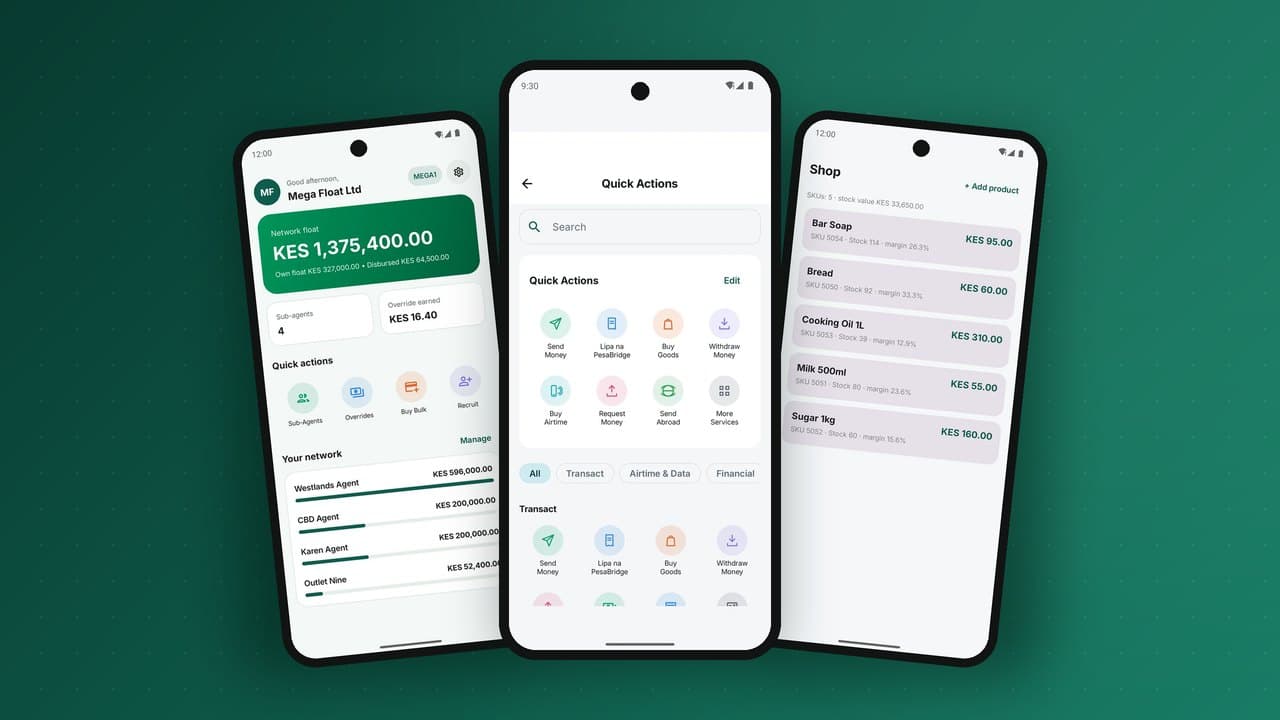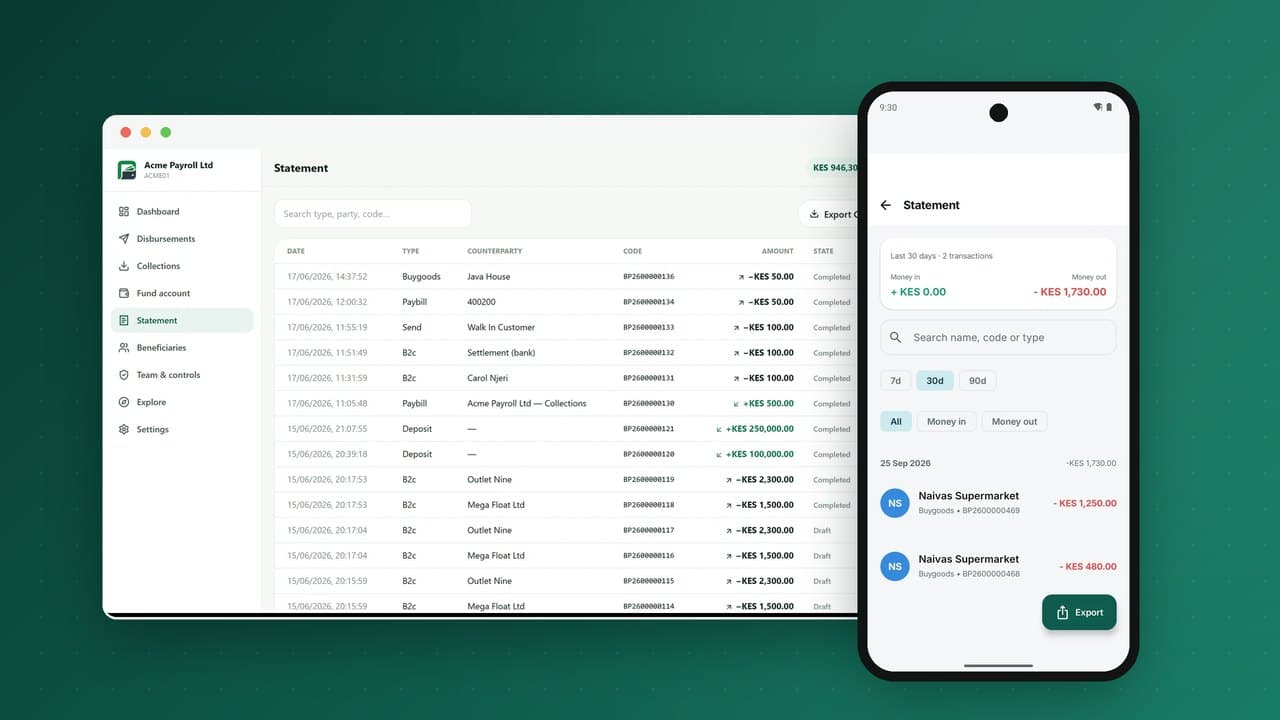
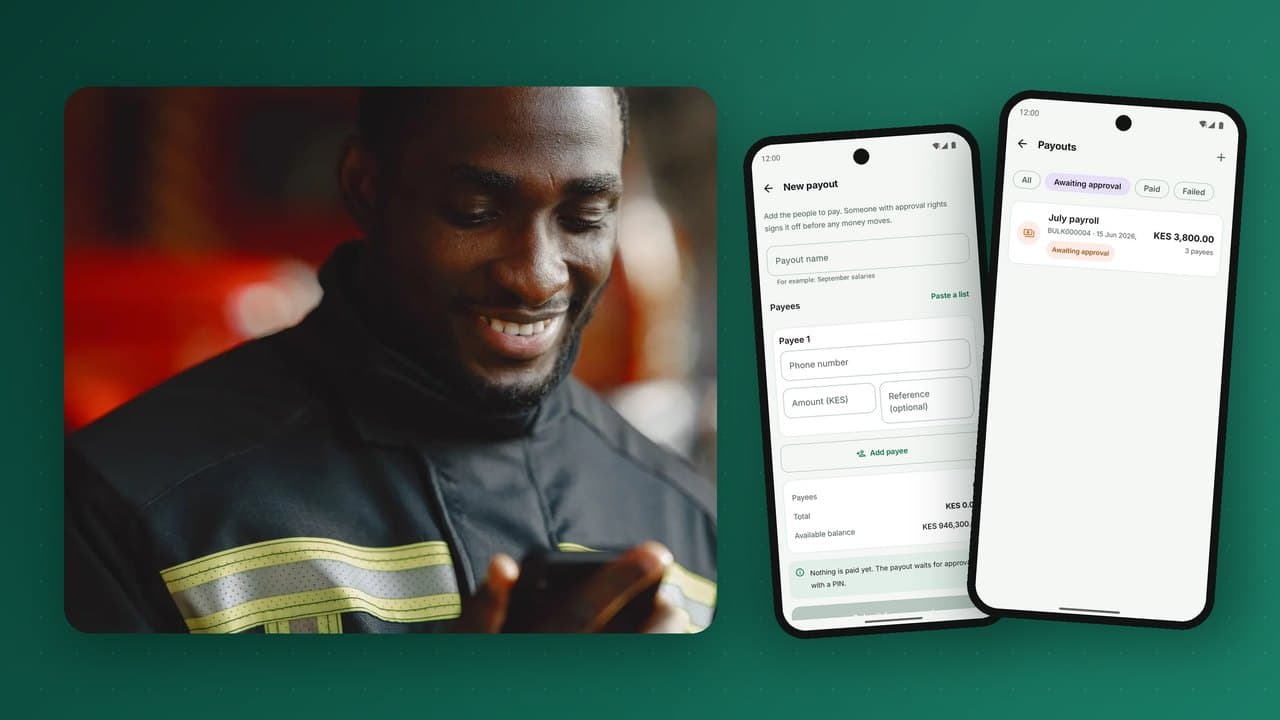
Paying hundreds or thousands of people at once used to mean envelopes of cash, long queues on payday, and money that quietly went missing between the office and the worker. Bulk disbursement to mobile wallets replaces all of that with a file, an approval and a few minutes of processing. Employers use it for salaries and casual labour, cooperatives for farmer payments, platforms for gig-worker payouts, NGOs and governments for aid and social protection. This guide explains how bulk payments to wallets work, the controls that make them safe, how to design the approval flow, and what recipients and operators need for a smooth payday.
Who uses bulk disbursements
| Payer | Typical payment | What matters most |
|---|---|---|
| Employers | Monthly salaries, weekly casual wages | Accuracy, timing, payslip references |
| Agricultural cooperatives and buyers | Payments for produce delivered | Speed after delivery, rural cash-out |
| Gig and delivery platforms | Per-trip or daily earnings | Frequency, automation by API |
| NGOs and humanitarian agencies | Cash transfers to beneficiaries | Targeting, audit trail, no leakage |
| Governments | Social protection, subsidies, stipends, public wages | Identity, scale, transparency |
| Businesses | Commissions, refunds, insurance claims, dividends | Reconciliation with internal systems |
Why wallets beat cash and bank transfers for many payouts
- Reach: recipients need only a phone number, not a bank account.
- Speed: funds land in seconds, even in remote areas.
- Security: no cash in transit, no envelopes, no pay-day robberies.
- Leakage control: money goes to a verified account, not through intermediaries.
- Audit trail: every payment has a reference, a status and a receipt.
- Cost: no cash handling, fewer staff hours, fewer disputes.
- Financial inclusion: recipients gain a wallet they can save and borrow with.
How a bulk payment works, step by step
- Fund the account. The organisation tops up its corporate wallet by bank transfer or another rail. Funds must be available before payments are released.
- Prepare the batch. Upload a file (or send by API) listing recipient phone numbers, names, amounts and references, or select saved payees from a payee book.
- Validate. The platform checks each line: is the number registered, does the registered name match, is the amount within the recipient's KYC limits, are there duplicates?
- Review and approve. A maker prepares; one or more checkers approve, according to rules based on batch size and total.
- Schedule or release. Pay now, or at a set time, such as early morning on payday.
- Process. Each payment posts from the corporate wallet to the recipient's wallet. Recipients get an SMS or app notification.
- Report and reconcile. The organisation receives a report with the status of every line and a statement matching the batch total.
Validation: the step that prevents most problems
Most payout problems start with bad data: a mistyped number, an outdated name, a duplicated row. Strong pre-validation catches them before money moves:
- Account lookup for every number, returning whether it is registered and active.
- Name matching between the file and the registered name, with a match score and a review queue for mismatches.
- Limit checks against each recipient's KYC tier: a recipient on a low tier may not be able to receive a large amount until they upgrade.
- Duplicate detection within the batch and against recent batches.
- Total checks against available balance and the organisation's own control total.
Lines that fail validation should be separated out for correction rather than blocking the whole batch.
Maker-checker: the control that protects the payer
Bulk payments concentrate risk. A single fraudulent or mistaken batch can empty an account. The core defence is segregation of duties:
- Makers create and upload batches but cannot release them.
- Checkers review and approve but cannot create or edit.
- Thresholds require more approvers for larger batches or totals.
- Payee books with approval for adding new payees, so a maker cannot quietly add their own number.
- Audit logs of who created, edited, approved and released each batch, and when.
These controls should be enforced by the platform, not by policy documents. An auditor should be able to see, for every payment, the full chain of who did what.
Handling failures and exceptions
In a batch of thousands, some payments will not complete: a number deactivated since validation, a recipient over their limit, a network timeout. Good practice:
- clear per-line statuses: completed, failed with reason, pending;
- automatic return of failed amounts to the corporate wallet, with a ledger entry per line;
- a simple way to correct and resend failed lines as a new batch;
- idempotency, so retrying a batch or a line never pays anyone twice.
All of this rests on a double-entry ledger: the batch total leaves the corporate wallet, every line either arrives in a recipient wallet or returns, and the numbers always add up.
Paying by API
Platforms and large employers integrate payouts into their own systems rather than uploading files. A payout API typically offers:
- single and batch payout requests with the organisation's own reference;
- account lookup before paying;
- status queries and signed webhooks for each completed or failed payment, so the platform can trust the result;
- idempotency keys on every request;
- balance queries and low-balance alerts.
For gig platforms that pay many times a day, API payouts with automatic reconciliation are what make instant earnings possible.
Designing a good recipient experience
The recipient's first experience of a wallet is often their first payout. Make it count:
- a clear notification naming the payer and the reference, such as "Salary March";
- no fee to receive;
- easy onboarding for recipients who do not yet have a wallet, including at an agent;
- enough agent liquidity nearby on payday to cash out if needed;
- reasons to keep money in the wallet: bill payments, merchants, savings.
Payday and liquidity: plan together
When a large employer or a government programme pays thousands of people in the same area on the same day, local agents face a wave of withdrawals. Coordinate with the wallet operator: share schedules, pre-position cash with agents and super-agents, and stagger payments where possible. See agent float and liquidity management.
Social protection and humanitarian payments
Government and humanitarian programmes add specific requirements:
- Identity: linking beneficiaries to national ID or programme registries to prevent duplicates and ghost recipients.
- Targeting and eligibility managed in the programme's system, with the payout platform receiving approved lists.
- Restrictions: in some programmes, funds may be restricted to certain uses or merchants.
- Accessibility: USSD for basic phones and agent support for people unfamiliar with wallets.
- Transparency: reports that show exactly who was paid, when and how much, for donors and auditors.
- Grievance mechanisms for beneficiaries who did not receive payments.
Reconciliation for the payer
Finance teams need to prove that the batch in the payroll or ERP system matches what was paid. The platform should provide:
- a batch report with every line's status and reference;
- a corporate statement where each batch appears with its total, fees and returns;
- exports in formats finance systems can import;
- references that carry through from the upload to the recipient's receipt.
More in reconciliation for wallets.
File upload or API: which to use
| File upload in a portal | API integration | |
|---|---|---|
| Best for | Monthly payroll, periodic aid, occasional payouts | Gig platforms, marketplaces, high-frequency or real-time payouts |
| Setup effort | Minutes: a template spreadsheet | Development work on the payer's side |
| Approvals | In the portal, by named approvers | Rules in the payer's system, plus limits and alerts on the platform |
| Reconciliation | Downloadable batch report and statement | Automatic, through webhooks and status queries |
| Risk focus | Insider manipulation of files and payees | Credential security and idempotency |
Many organisations use both: API for daily operational payouts and the portal for monthly payroll and ad hoc runs.
A worked example: moving a 600-person payroll to wallets
Consider a tea estate paying 600 workers, many of them seasonal, in cash every month. Here is a realistic path:
- Week 1: plan. Finance, HR and the wallet operator agree the timeline, the approval rules (for example, one HR maker, two finance checkers for any batch over a threshold) and the payday date.
- Week 2: register workers. The operator sends agents to the estate to open wallets for workers without one, completing KYC on site. HR updates the payroll system with each worker's wallet number.
- Week 3: validate. HR uploads the payee list; the platform checks every number and name. Mismatches, perhaps 5 to 10 percent on the first run, are corrected with workers directly.
- Week 4: pilot. One department of 50 workers is paid by wallet while the rest still receive cash. Issues are fixed.
- Month 2: full payroll. The whole batch is uploaded two days before payday, approved, and scheduled for 6 am. Workers receive their pay before their shift starts.
- Payday: liquidity. The operator has briefed local agents and super-agents, who hold extra cash that morning. A merchant or two near the estate accept wallet payments, so not everyone needs to cash out.
- After payday: reconcile. Finance downloads the batch report, matches it to the payroll register and closes the month.
The estate no longer transports cash, payday takes minutes instead of a day, disputes about amounts fall because every worker has a receipt, and workers gain a wallet they can save in and borrow from.
Pricing bulk payments
Operators price disbursements in a few ways, and payers compare them with the full cost of cash:
- Per-payment fee, often tiered by amount;
- Percentage of batch value, sometimes capped;
- Subscription for high-volume payers, with a monthly allowance;
- Recipient-free receipt: the recipient should never pay to receive their own salary or aid.
Some operators also cover part of the recipient's first cash-out, or offer free transfers to savings, to encourage recipients to keep funds in the wallet.
A checklist before your first bulk run
- Corporate account funded, with a buffer for fees.
- Approval rules and approvers configured and tested.
- Payee list validated; mismatches resolved.
- Recipients who need to upgrade KYC for the amounts involved have done so.
- Recipients informed of the date, the sender name they will see and how to get help.
- Agents near large recipient groups briefed on expected cash-out.
- Reconciliation file format agreed with finance.
- A support contact available on the day.
Fraud patterns in bulk payments
- Ghost payees: fake names on payroll with numbers controlled by an insider. Counter: payee approval, name matching and periodic payee reviews.
- Number substitution: an insider changes a genuine payee's number to their own. Counter: approval for payee changes and alerts to the original number.
- Duplicate batches: the same batch released twice. Counter: duplicate detection and idempotency.
- Account takeover of a corporate user. Counter: strong authentication, device controls and maker-checker so one compromised user cannot release funds.
Paying people who do not have a wallet yet
Not every recipient on a payroll or beneficiary list will have a wallet on day one. There are several ways to handle them without falling back to cash:
- Onboard before payday: send agents to large recipient groups to open wallets in advance, as in the payroll example above.
- Invite and hold: where regulation allows, the recipient is invited to register with their ID and funds are released once registration completes.
- Withdrawal codes: some providers issue a one-time code by SMS that the recipient presents at an agent with ID to collect cash, while being invited to open a wallet.
- Return and retry: unmatched lines return to the payer, who pays again once the recipient has registered.
Whatever the method, the payer must see exactly which recipients were paid, which are pending and which returned, with reasons.
Protecting payee data
Payroll and beneficiary lists are sensitive: names, phone numbers, amounts and sometimes ID numbers. Protect them by limiting who can view and download payee lists, masking data in reports where full details are not needed, keeping audit logs of every export, and deleting uploaded files after processing according to your retention policy. Data protection laws across Africa increasingly apply to this kind of processing, and a leaked payroll file is both a privacy breach and a fraud risk.
Common mistakes in bulk payments
- Uploading without validation. A single wrong column can send salaries to the wrong people. Always validate names against registered wallets before approval.
- One person doing everything. The same user preparing, approving and releasing a batch is the classic payroll fraud setup.
- Underfunded batches. Check the funding balance, including fees, before release, not halfway through.
- No communication to recipients. Tell recipients when and how they will be paid, and how to raise a problem.
- Treating failed lines as done. Every failed line is someone who was not paid. Track them to resolution.
Key terms in bulk payments
| Term | Meaning |
|---|---|
| Batch | A group of payment lines uploaded and released together. |
| Maker-checker | A control where one user prepares a batch and a different user approves it. |
| Name validation | Checking each line's name against the registered wallet name before release. |
| Funding account | The payer's wallet or account from which the batch is paid. |
| Failed line | A payment in a batch that could not be completed, with a reason code. |
| Payee book | A saved list of recipients reused across payment runs. |
| Disbursement report | The record of every line paid, pending or failed, for the payer's accounts and audit. |
Frequently asked questions
What is bulk disbursement?
Sending payments from one organisation to many recipients at once, such as salaries, commissions, refunds or aid, usually by uploading a file or calling an API.
Do recipients need a bank account?
No. A registered mobile wallet is enough, and recipients can spend, save or cash out at an agent.
What is maker-checker?
A control where one person prepares a payment and a different person approves it, so no single user can move money alone.
What happens if a payment in a batch fails?
The failed amount returns to the payer's account with a reason, and the line can be corrected and paid again without affecting the rest of the batch.
Can bulk payments be scheduled?
Yes. Batches can be approved in advance and released automatically at a set time.
PesaBridge runs bulk disbursement from the Corporate portal, app and API: payee books, scheduling, maker-checker approvals with thresholds and team roles, and full reconciliation, to thousands of wallets at a time on a double-entry ledger. See payouts for governments and programmes or request test access to try the corporate app.