How a bill payment works
The customer picks a biller and enters the account number. The amount and the biller show before the PIN. The customer approves, and the reference comes back on the screen and by message.
The same flow runs in the app, over USSD on a basic phone, and at an agent for customers who pay in cash.
Connecting billers
Each biller connects through an adapter or a PayBill-style number, so adding one does not change the customer's journey. Your back office sets the fee for each biller and who pays it, and a settlement report shows what is owed to each.
What to check before you buy
- Amount and biller shown before the PIN
- The same flow in app, USSD and agent
- A fee setting per biller
- Settlement reports per biller
- A clear result and reference every time
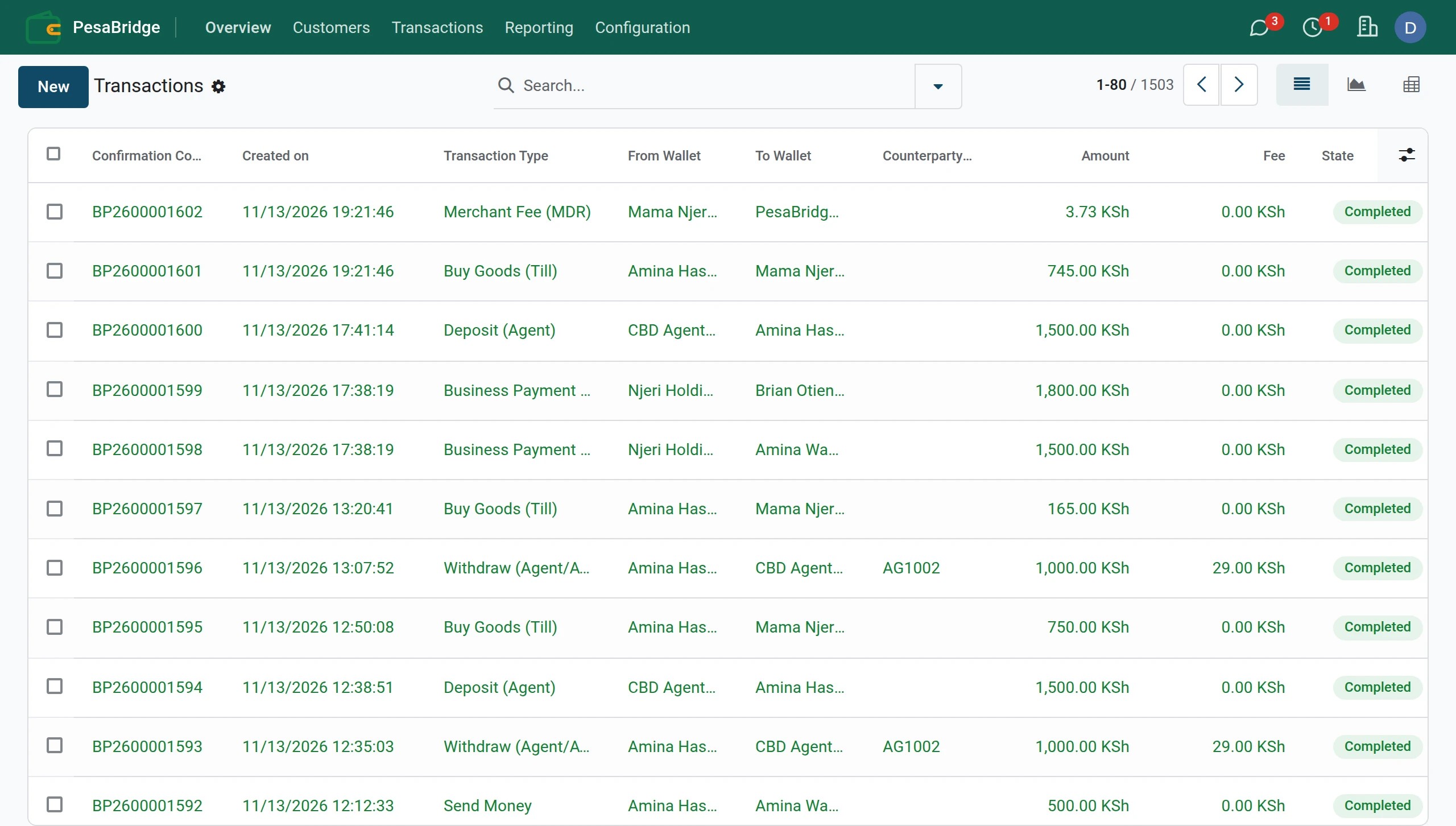
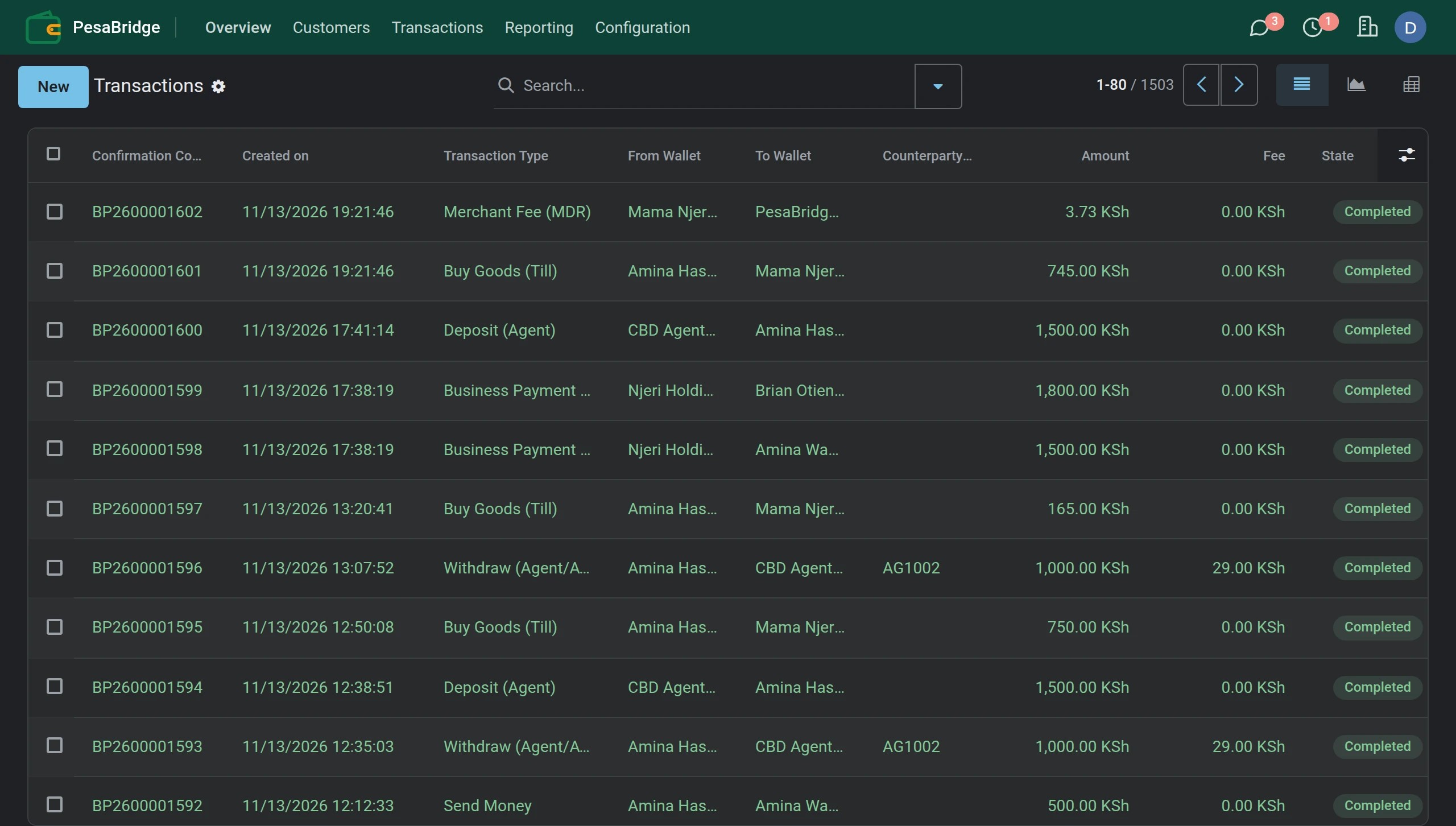
Inside the product
The real screens, not a mock-up.
Customers pay a bill from the wallet in a few taps, and every payment shows in the transaction list at once.
See it in the product
Questions buyers ask
What happens if the biller does not answer?
The payment shows as pending until the result is known, and is never charged twice when retried.
Can customers save a biller?
Yes. Saved accounts and scheduled payments make the monthly bill quicker.
See it in your own brand
Ask for the demo and your logins come by email, or build a priced proposal in 10 minutes.
Financial software guides
- Mobile money system
- White label mobile money
- Multi-currency wallet
- Agent banking software
- Chama software
- Remittance software
- White-label payment gateway
- USSD banking platform
- Merchant POS software
- Corporate payments platform
- Mobile money API
- Salary payments to wallets
- School fee collection
- Merchant QR payments
- Loan disbursement to wallets
- Cash transfers for aid programmes
- Mobile money platform for Kenya
- Mobile money platform for Nigeria
- Mobile money platform for Ghana
- Mobile money platform for Uganda
- Mobile money platform for Tanzania
- Mobile money platform for Rwanda
- Mobile money platform for Ethiopia
- Mobile money platform for DR Congo
- Mobile money platform for Côte d'Ivoire
- Mobile money platform for Senegal
- Mobile money platform for Cameroon
- Mobile money platform for Angola
- Mobile money platform for Burundi