Plug your gateway into the tools businesses already use.
Ready-made plugins for online shops, a Pay button for any site, and an API for everything else.
Plugins
Every way to plug it in
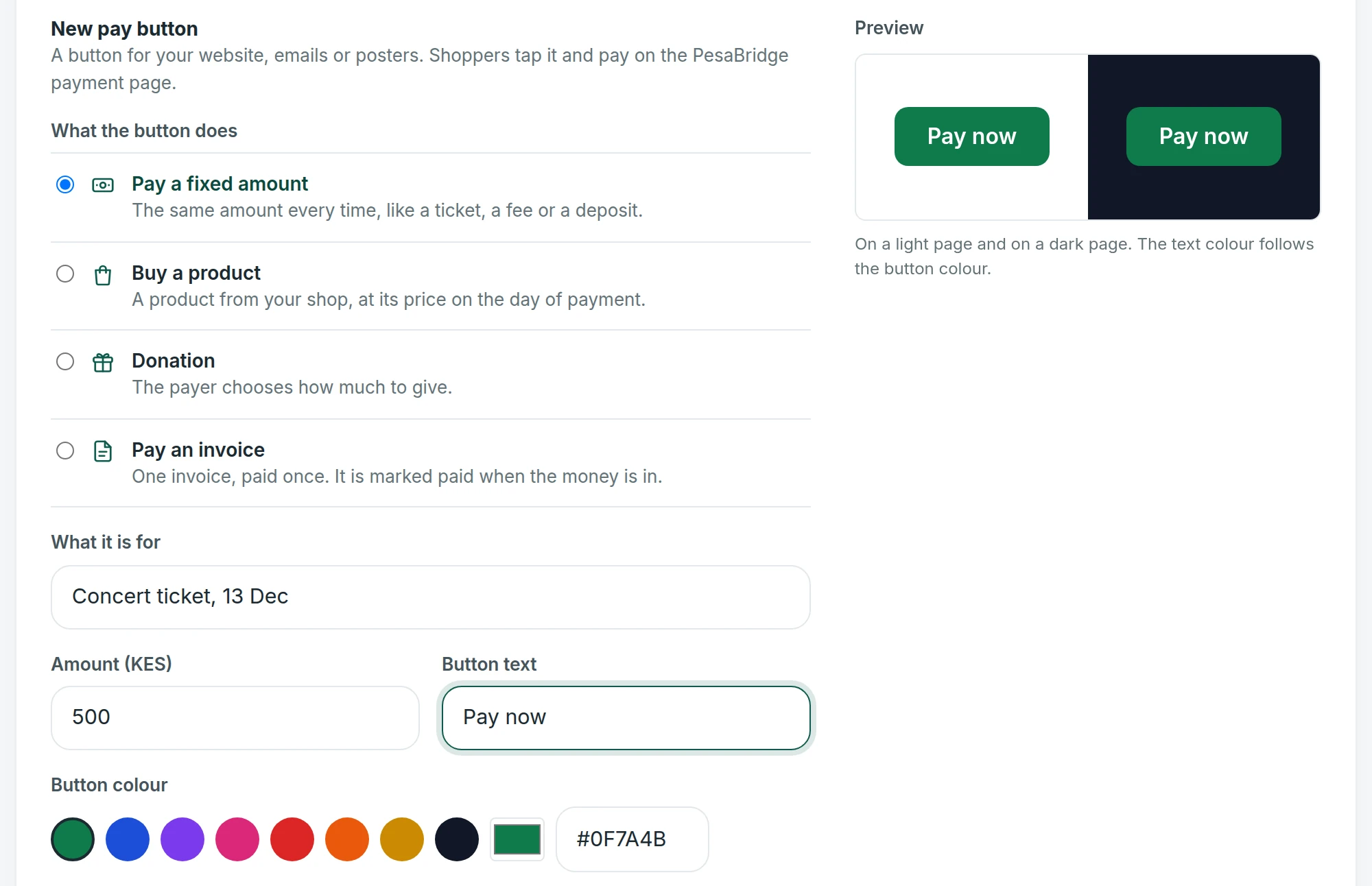
Pay button
One script tag puts a Pay button on any page or website builder.
Other shop platforms connect through payment links or the API today.
Setup
Three steps for a shop owner.
- 1
Install
Add the plugin or the payment method in the shop.
- 2
Paste keys
Copy the keys from the merchant portal; a check confirms the account.
- 3
Sell
Shoppers see your gateway at checkout the same day.

Shop owners
From the shop to the payout, without a developer.
A shop owner installs the plugin, pastes two keys and sells the same day. Payments, refunds and payouts are then in the merchant portal.
The product
Every part of a modern gateway, already built.
Questions
Questions operators ask
Are the plugins white-labelled?
Yes. They carry your gateway's name and logo for your businesses.
Can a shop take refunds from its own dashboard?
Shops refund from the merchant portal.
Do plugins support test mode?
Yes. Test keys take sandbox payments only.
Launch your own payment gateway.
Tell us your markets and the businesses you serve. We send a proposal with plans, rails and a launch plan, and a branded demo you can open the same day.